
A Smarter Way to Manage Gym Memberships with FitHabb
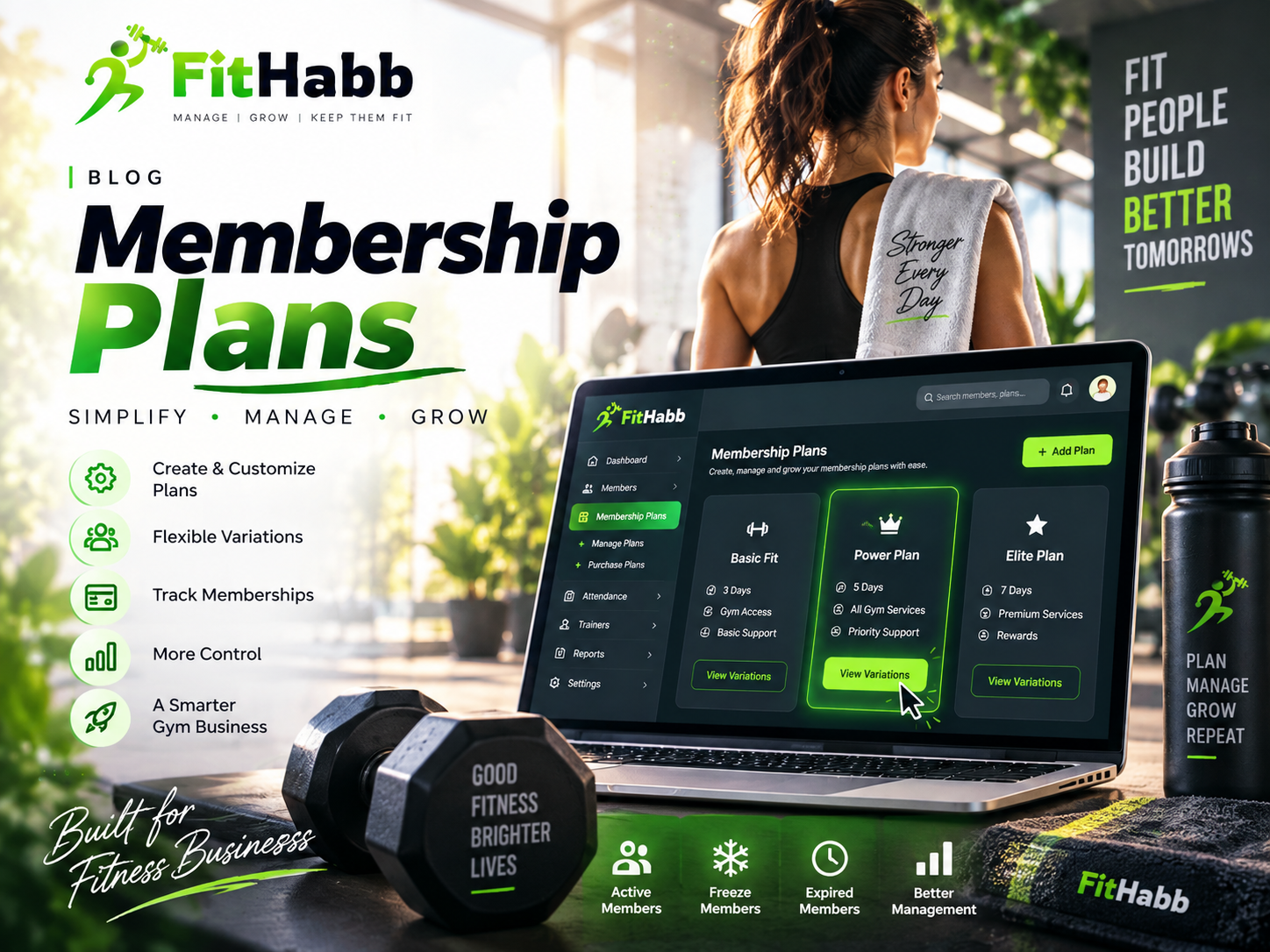
Discover how FitHabb helps gym owners create, customize, and manage membership plans while tracking active, frozen, and expired memberships with ease.
FitHabb Membership Plans: Simplify Gym Membership Management
Problem
Running a gym involves much more than managing workouts and equipment. Gym owners also need to handle different membership packages, prices, durations, services, and member statuses.
The challenge grows when a gym offers multiple plans. Some members may want a short-duration package, while others may choose longer memberships with different services and pricing.
Managing everything manually through registers or spreadsheets can become confusing and time-consuming.
That’s why smart membership management matters.
What is the Membership Plans Section in a Gym?
The Membership Plans section helps gym owners create, organize, and manage the membership packages offered by their business.
In FitHabb, this section has two main areas:
Manage Plans
Purchase Plans
Manage Plans allows you to create and customize membership packages. Purchase Plans helps you track memberships purchased by your members.
Why Gym Owners Need It
Every fitness business has different requirements. Some offer short-term packages, while others provide monthly or long-term memberships.
Gym owners need flexibility to structure plans according to their services and business model. They also need a simple way to check whether memberships are active, frozen, or expired.
Instead of searching through multiple records, important membership information can be managed from one organized system.
FitHabb Membership Plans Section Features
Create and Manage Plans
Creating a plan is simple. Go to Manage Plans, click Add Plan, enter the plan name, and click Create Plan.
The plan is then ready for customization.
Create Flexible Variations
A single membership plan can include multiple variations based on your requirements.
By clicking View Variations, you can view and manage the variations under a specific plan.
To create a new option, click Add Variants and configure the necessary details.
Customize Plan Details
Each variation can include details such as:
Service type
Variation name
Service fee
Registration fee applicability
Validity in days
Maximum members
Membership category
Reward points
Reference reward points
This gives gym owners more flexibility when creating packages.
Edit, Activate, or Delete
Business requirements change over time. FitHabb allows you to edit plan names and details whenever required.
You can also make plans active or inactive. And if a plan is no longer part of your offerings, you can simply remove it from the system.
Search Plans Quickly
When there are multiple plans, finding the right one should be easy. The search option helps users quickly locate a specific membership plan.
Track Purchased Plans
The Purchase Plans section displays memberships purchased by members.
These are organized into three sections:
Active
Freeze
Expire
Active memberships appear under Active. Frozen memberships appear under Freeze, while completed memberships can be found under Expire.
You can also search for a specific member using their name or relevant details.
Categories and Service Types
From the Settings section, businesses can add membership categories and service types according to their own requirements.
Your gym should not have to change its system for the software. The software should support your system.
How It Works
The process is straightforward:
Create a membership plan.
Add variations under the plan.
Configure services, fees, validity, and other details.
Activate the plans you want to offer.
Members purchase their preferred plans.
Track memberships through Active, Freeze, and Expire sections.
Benefits
FitHabb helps gym businesses:
Organize multiple membership packages
Create flexible variations
Customize pricing and services
Manage validity periods
Reduce manual work
Search information quickly
Track membership status efficiently
Manual vs FitHabb
Manual membership management often means dealing with registers, spreadsheets, and scattered records. Finding a plan or checking a member's status can take unnecessary time.
FitHabb brings these activities into one organized system. Plans can be created, customized, edited, searched, activated, or deactivated whenever needed.
Less paperwork. Less confusion. More control.
Who Needs It?
This feature is useful for:
Gym owners
Fitness centers
Fitness studios
Gym managers
Front desk teams
Any fitness business offering different membership packages can benefit from organized membership management.
Why FitHabb?
Growing fitness businesses need flexibility and control.
FitHabb helps you create membership plans according to your own services and requirements. From creating flexible variations to tracking purchased memberships, the system helps make everyday membership management simpler.
FAQs
Can I create multiple membership plans?
Yes. You can create and manage multiple plans in FitHabb.
Can one plan have different variations?
Yes. Multiple variations can be created under a specific plan.
Can I edit a plan?
Yes. Plan names and details can be edited whenever needed.
Can I track membership status?
Yes. Purchased memberships are organized into Active, Freeze, and Expire sections.
The Smarter Way Forward
Managing memberships should not slow down your business.
With FitHabb, you can:
Create plans easily
Add flexible variations
Customize important details
Manage plan status
Track purchased memberships
Make membership management simpler, more organized, and easier to control with FitHabb.
👉Run Your Gym Smarter. Grow Without Limits. Get a Free Demo..